
In the world of IT, there is a distinct satisfaction in seeing a “spaghetti” closet transformed into a clean, labeled, and high-functioning server rack. But beyond the aesthetic appeal of clean cable management, modern networking has undergone a radical transformation.
While the hardware of the past was built to simply “stay on,” today’s networks are built to be intelligent. As someone who spends a lot of time with Ubiquiti hardware and complex installations, I’ve seen firsthand how these advancements change the game for businesses.
From Hubs to Intelligence: A Brief Evolution
Networking hardware has come a long way from the unmanaged hubs and “dumb” switches of the 1990s.
-
The Era of Connectivity: Early networking was about physical connection. If the link light was green, you were winning.
-
The Era of Complexity: As businesses grew, we added managed switches and complex Command Line Interfaces (CLIs). Reliability improved, but you needed a specialist on-site for every minor change.
-
The Modern Era: Today, we live in the age of Software-Defined Networking (SDN). Hardware is now a platform for powerful software that allows for centralized control, granular security, and – most importantly – proactive management.
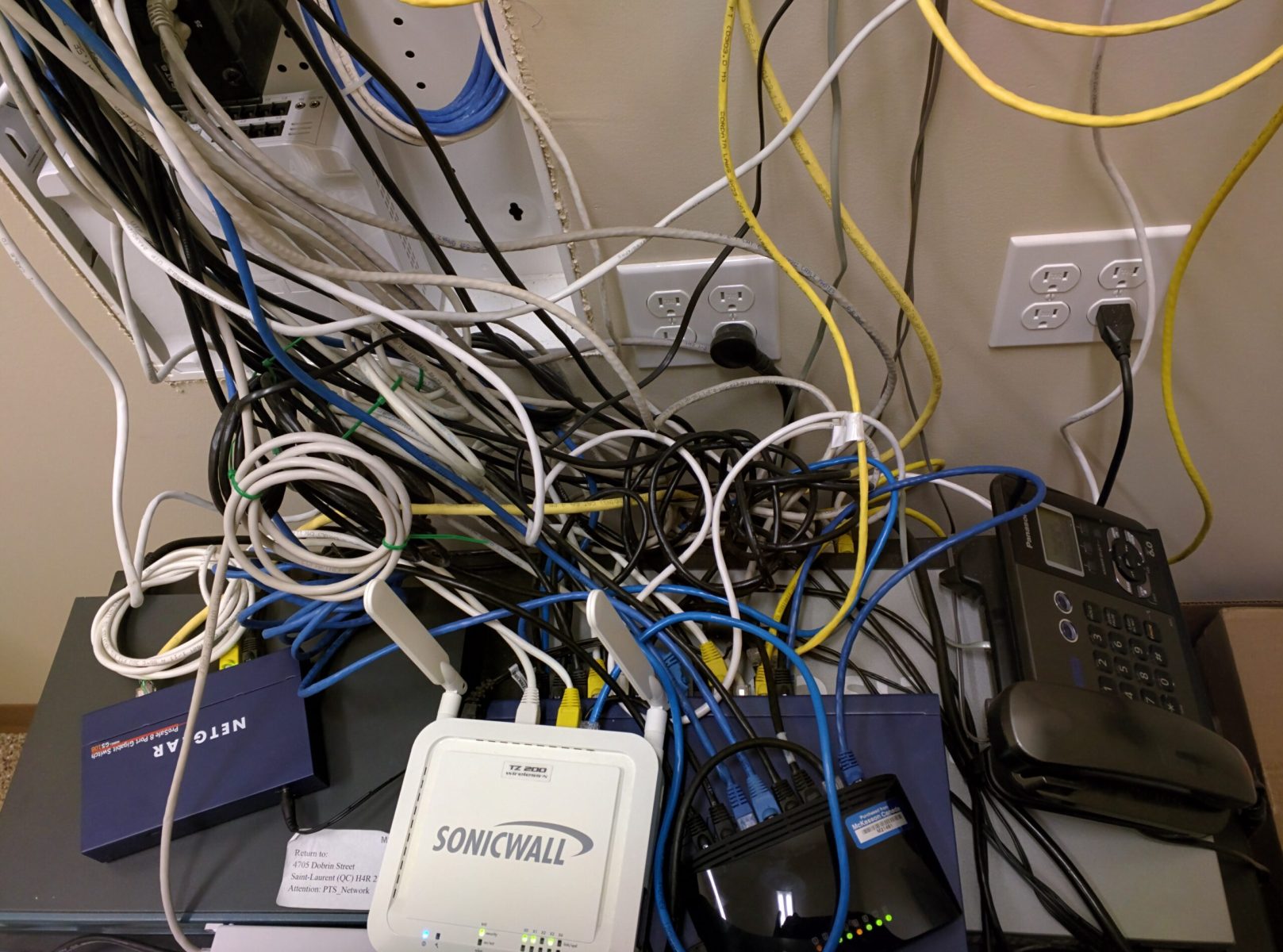
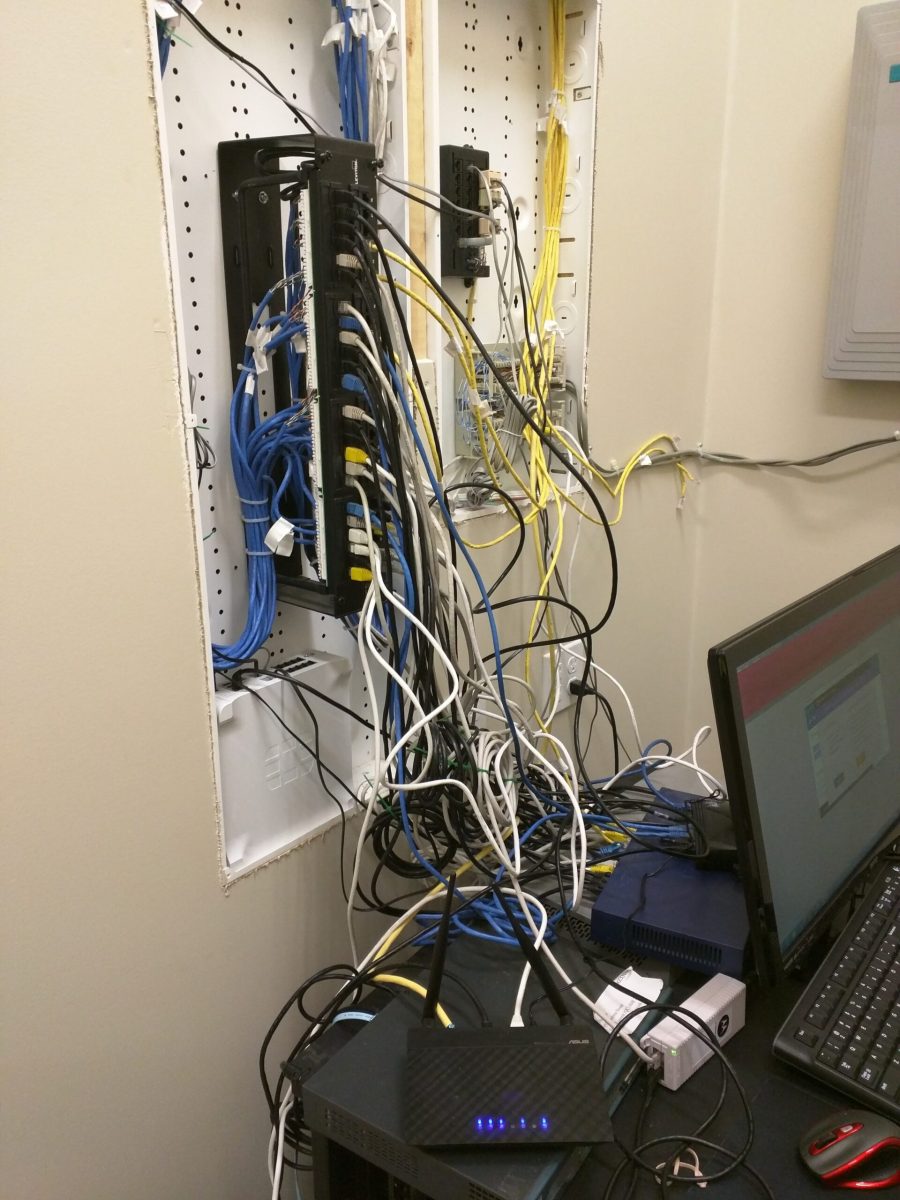
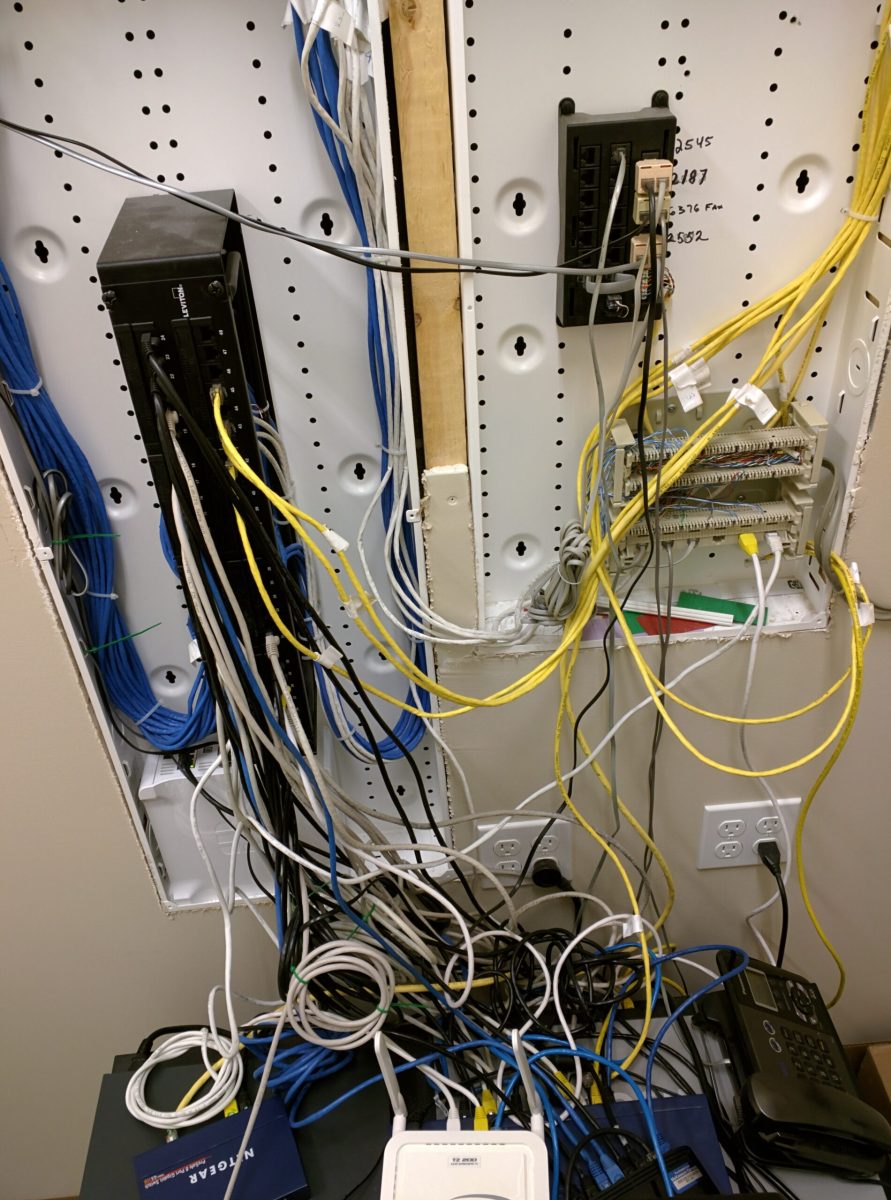
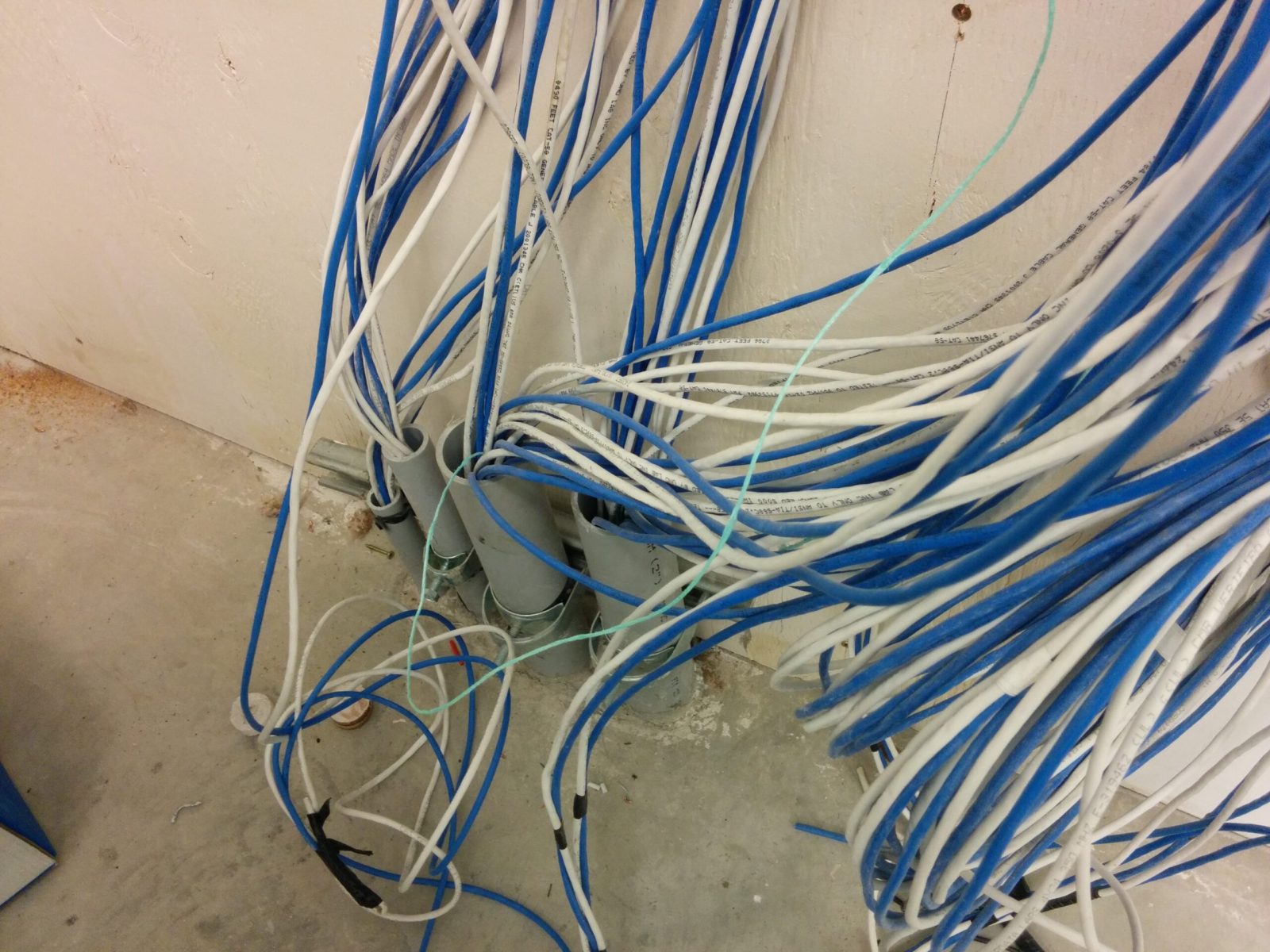
Networking Nightmares – Before
The Three Pillars of Modern Networking
When I perform an installation, I’m not just plugging in cables; I’m building a foundation based on three critical pillars:
1. Reliability (The “Set it and Forget it” Factor)
Modern hardware, particularly the Ubiquiti UniFi ecosystem, is designed for high uptime. With features like redundant power supplies (USP-RPS) and automated failover to LTE or secondary ISPs, the “the internet is down” phone call is becoming a thing of the past. Professional cable management plays a role here too – properly seated and labeled runs prevent physical stress on ports and make hardware swaps seamless.
2. Scalability (Growing Without Growing Pains)
In the past, expanding a network meant a forklift upgrade—replacing everything to handle more traffic. Current systems are modular. Need more Wi-Fi coverage? Plug in another Access Point (AP). Need more ports? Adoption of a new switch into the existing controller takes minutes, not hours. The network expands horizontally, growing alongside the business.
3. Remote Management (The True Game Changer)
This is where modern IT separates itself. Using the UniFi Site Manager or a cloud-hosted controller, I can monitor the health of every client site from a single dashboard.
-
Proactive Alerts: I often know a switch port has failed or a cable is underperforming before the client even notices a slowdown.
-
Zero-Touch Updates: Firmware patches and security updates can be scheduled for 3:00 AM across multiple locations simultaneously.
-
Instant Troubleshooting: I can VLAN-tag a port, reboot a PoE device, or adjust firewall rules from my phone while standing in line for coffee.
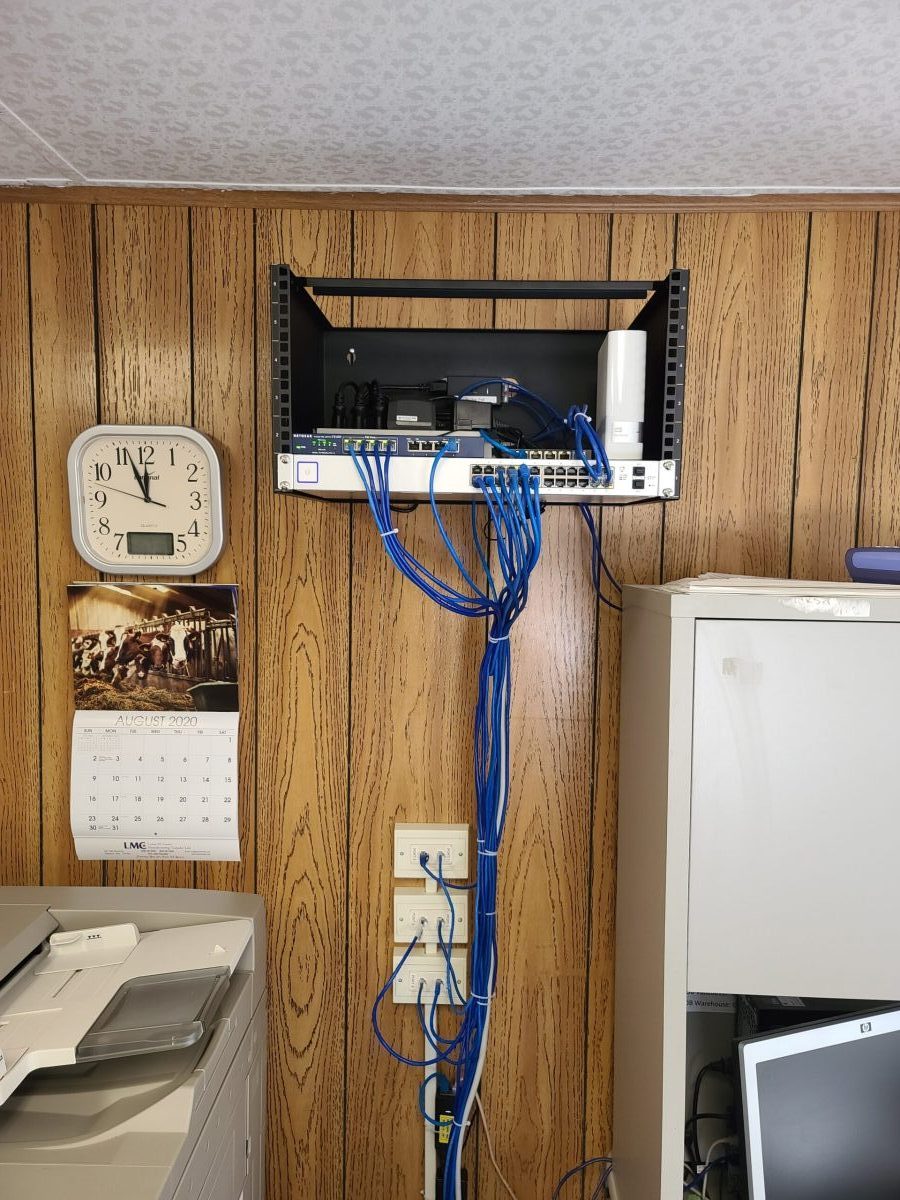
Networking Solved
Why the “Clean Build” Matters
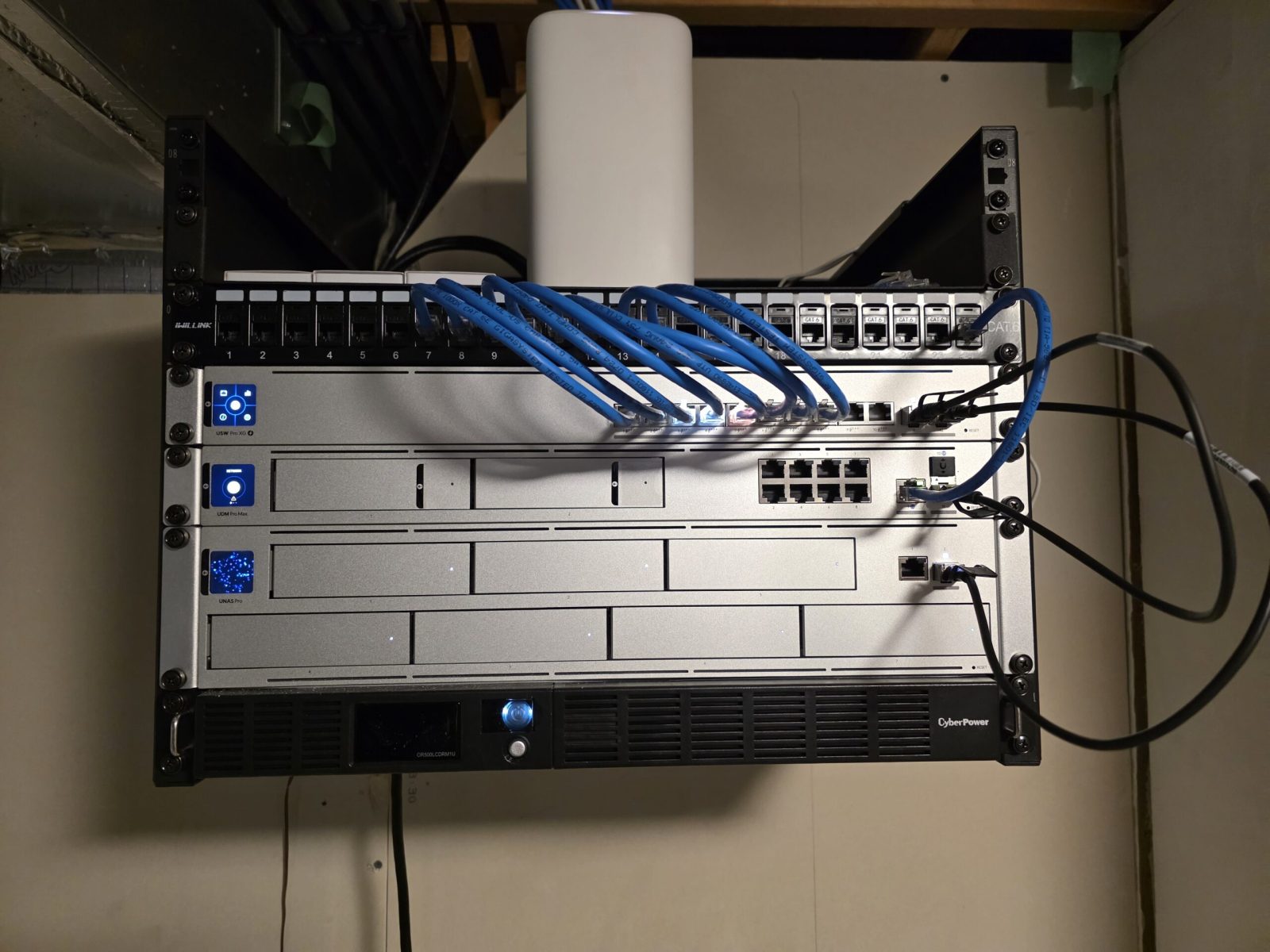
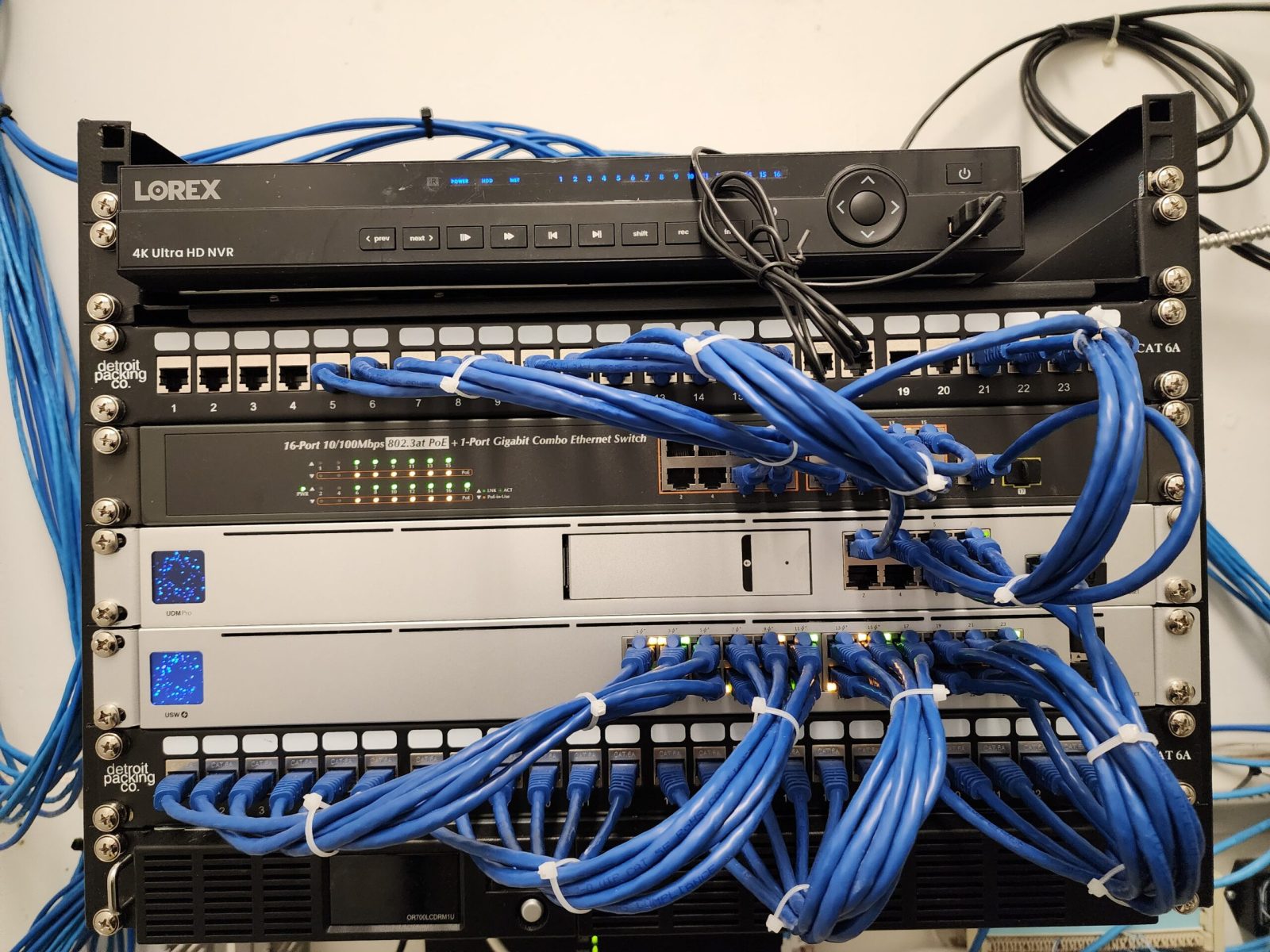
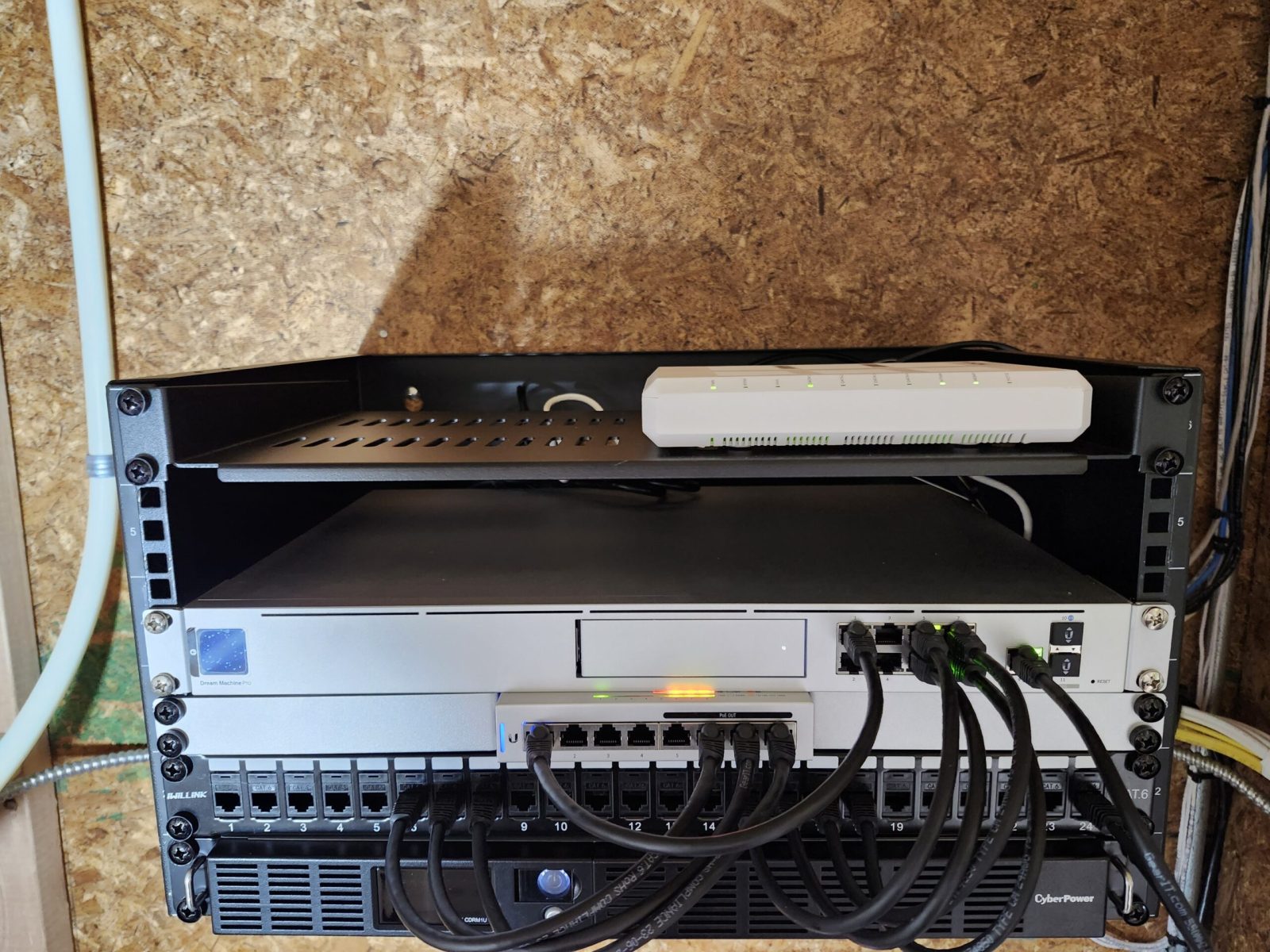
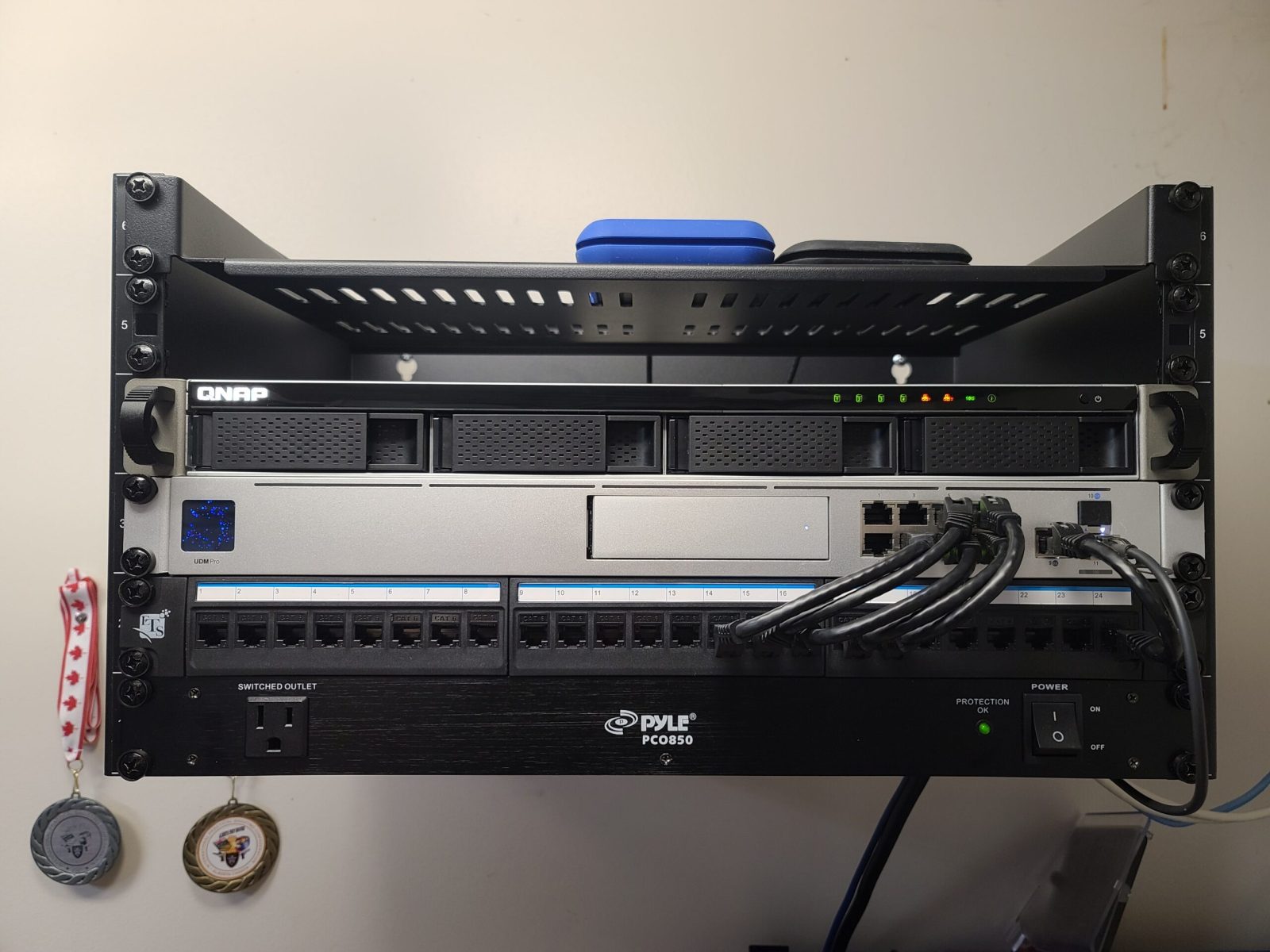
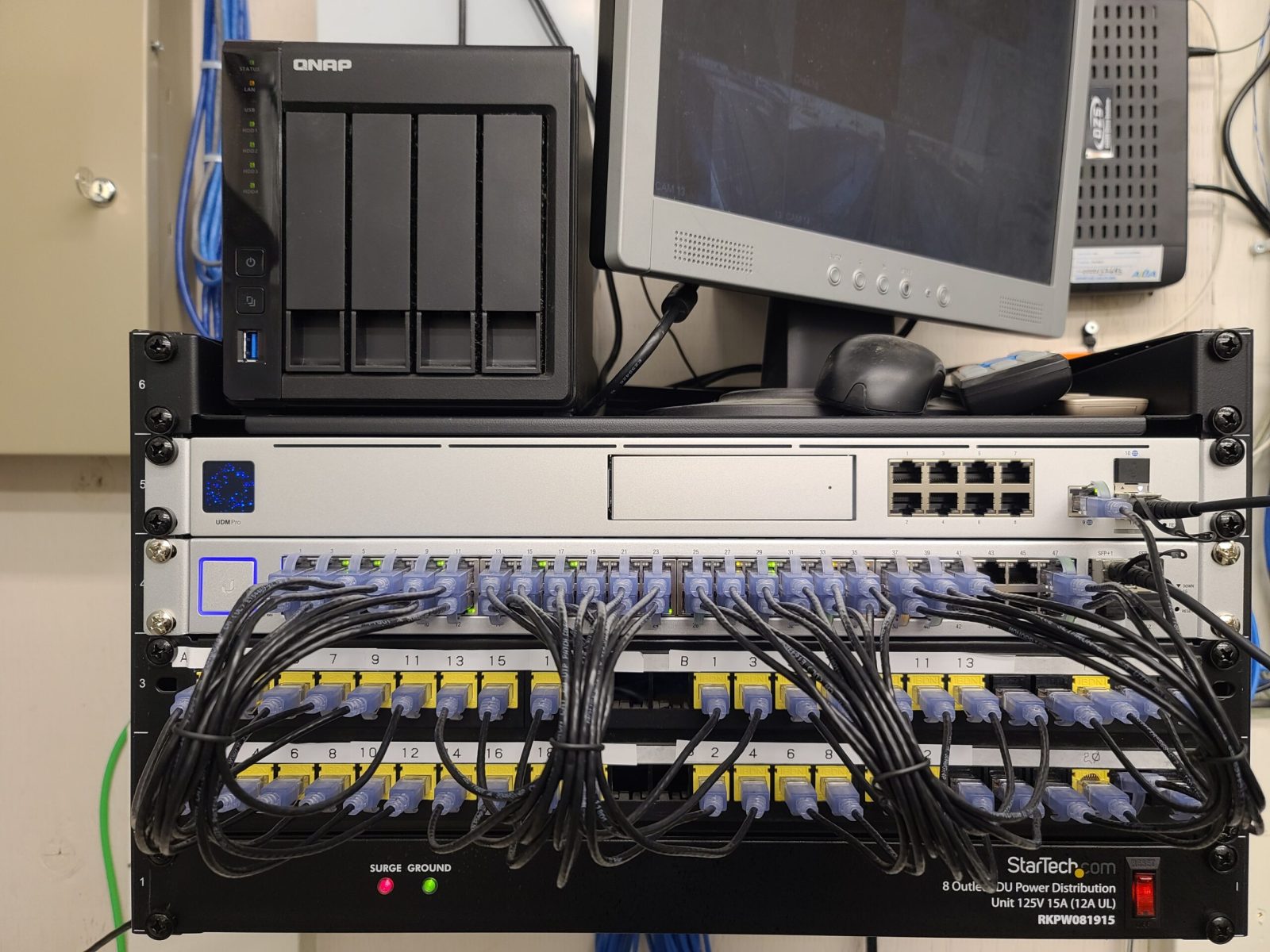
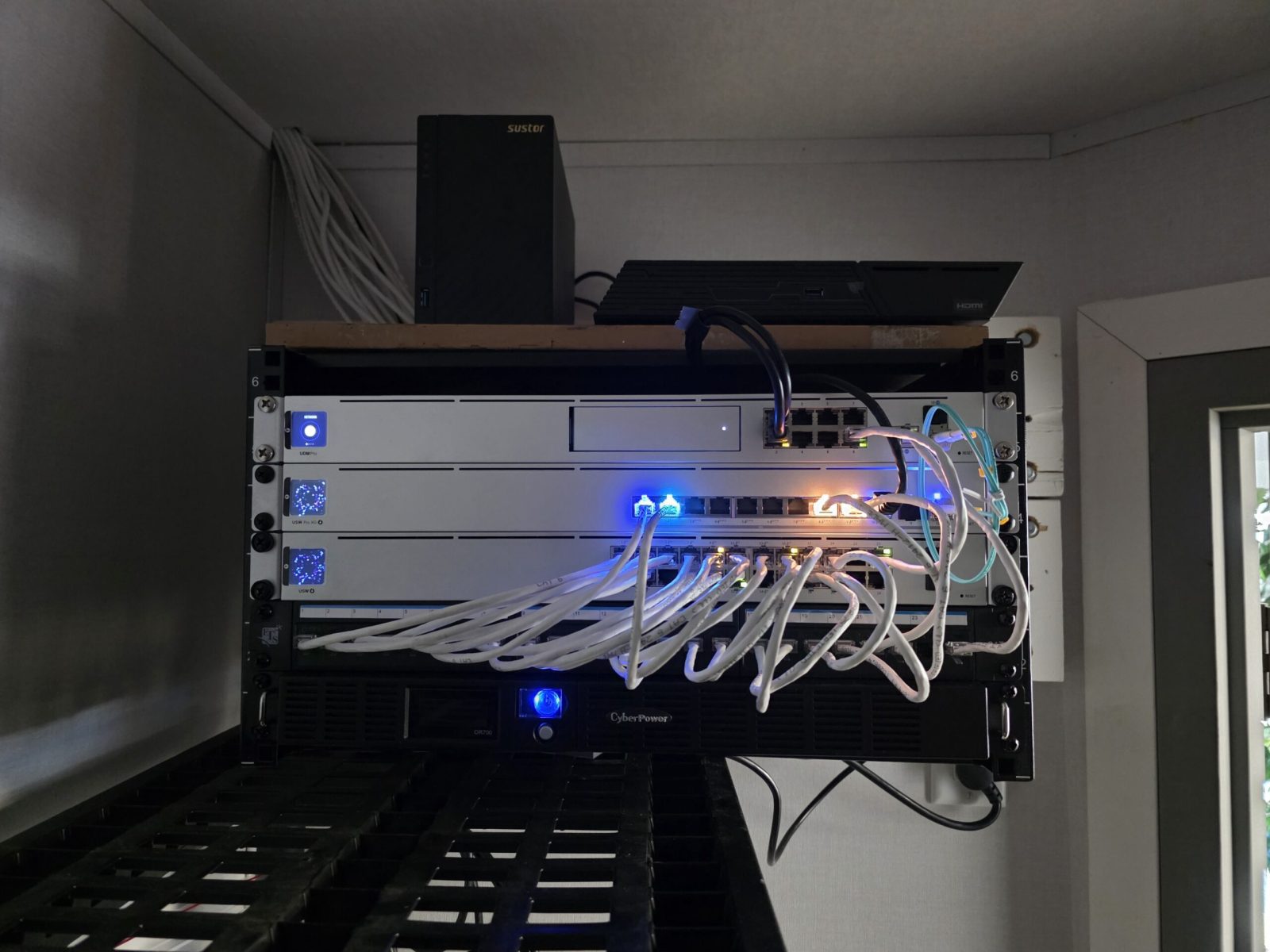
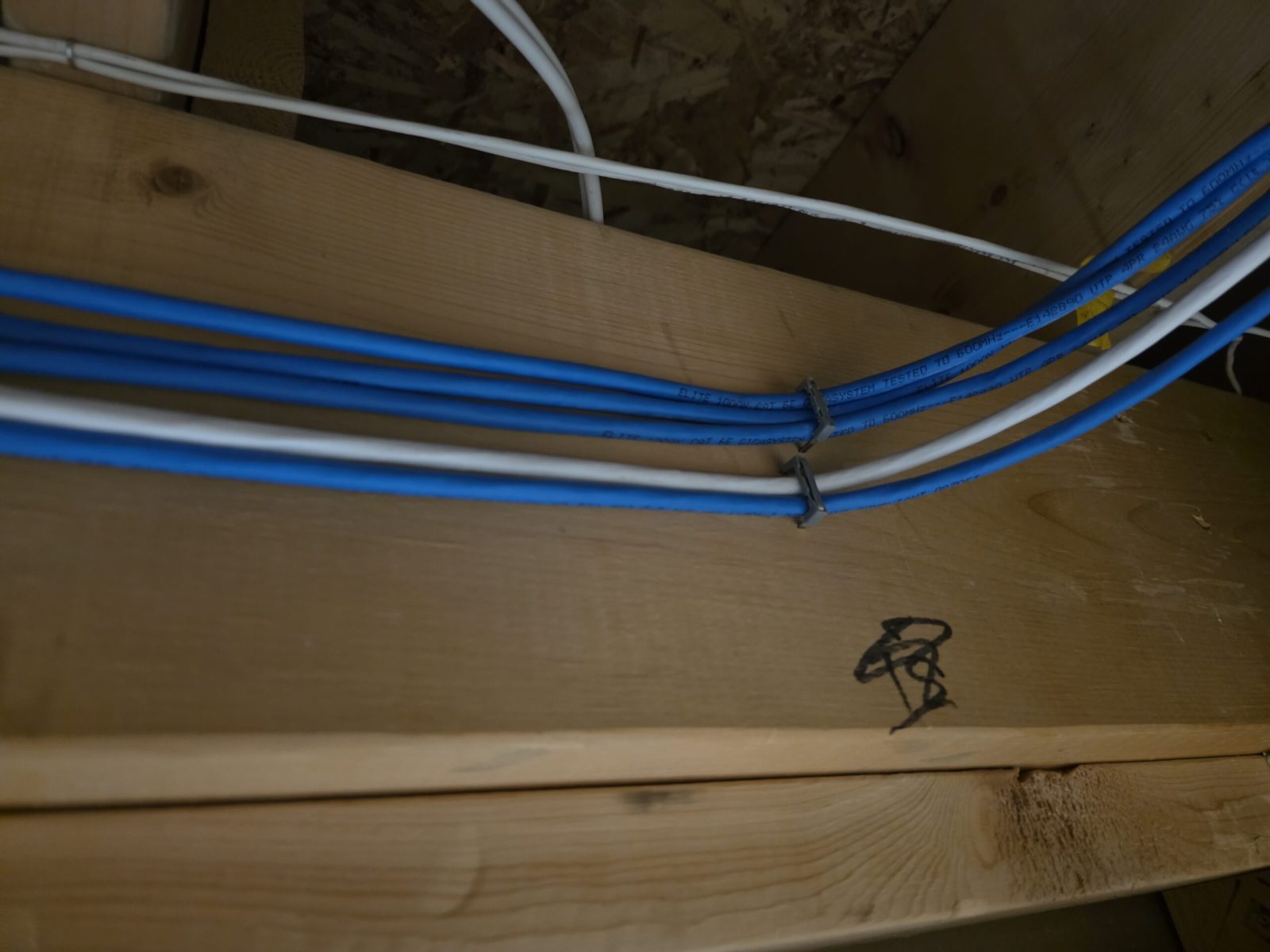
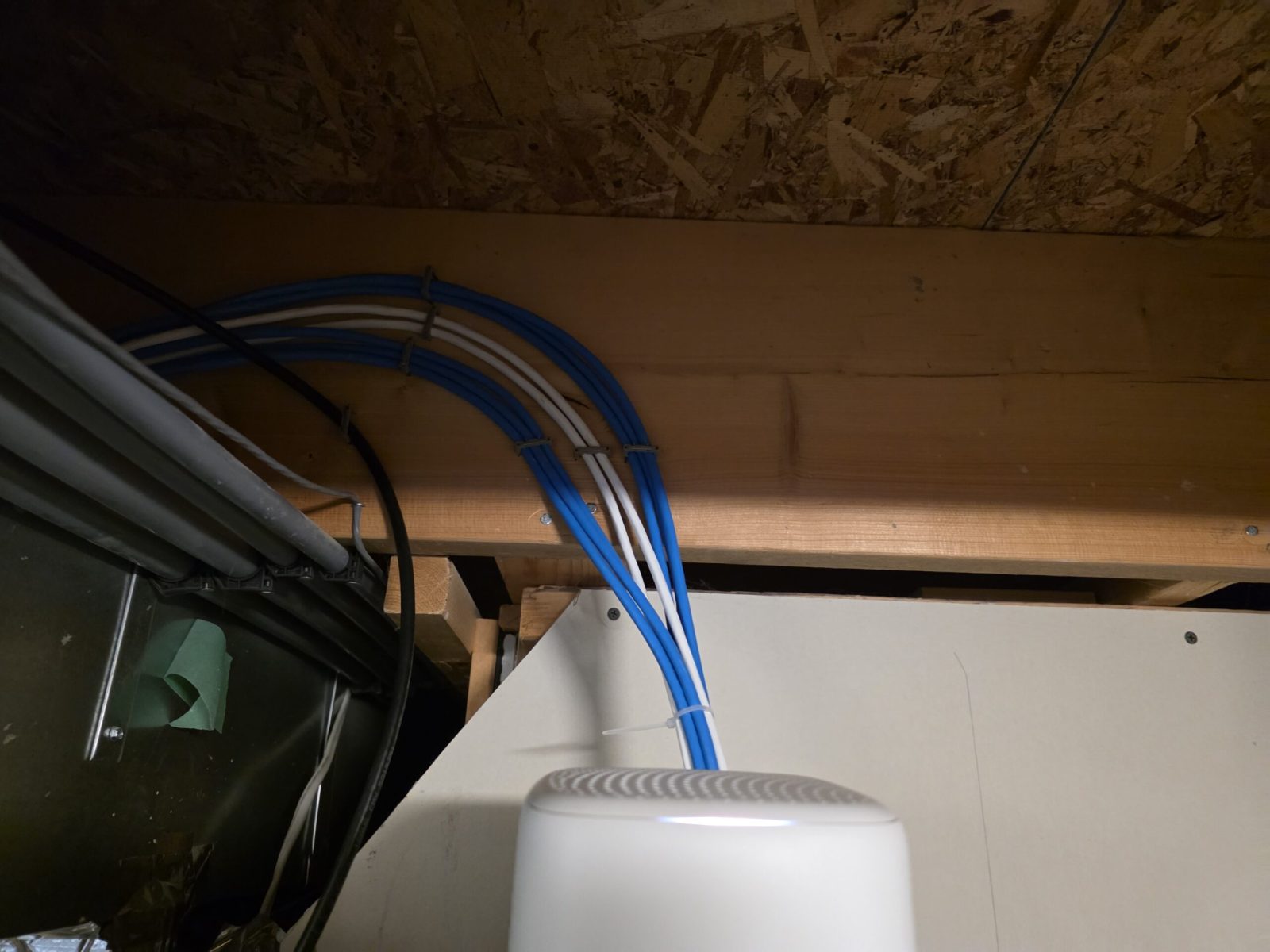
You’ll see in my installation photos that I prioritize cable management through zip ties, velcro ties, and precise patch cable lengths. While it looks great on a portfolio, it’s actually a functional requirement for Reliability. A clean rack means better airflow, easier tracing of faults, and a significantly lower risk of human error during maintenance.
Are you looking to upgrade your office or home network to a system that you can manage from anywhere? Would you like me to put together a hardware recommendation list or a quote for a custom installation based on your current space?